Ultrawide monitors have become increasingly popular among gamers, professionals, designers, and content creators because they provide a wider viewing area and improve multitasking efficiency. However, their large screen size also creates new challenges when choosing the right workspace lighting.
A standard desk lamp may not provide even illumination across a wide display, while traditional monitor lights designed for smaller screens may not fully cover an ultrawide setup. This is why many users are searching for the best monitor light bar for ultrawide monitors to improve workspace comfort, reduce reflections, and create a cleaner desk environment.
Choosing the right lighting solution requires considering screen size, mounting compatibility, brightness control, and lighting coverage. This guide explains what makes an ultrawide monitor light bar suitable and how it compares with other options such as an ultra wide LED desk lamp or ultrawide desk lamp.
Why Ultrawide Monitors Need a Dedicated Light Bar
Ultrawide monitors are much wider than standard displays, which means traditional lighting solutions may not provide balanced illumination across the entire workspace.
A regular desk lamp usually illuminates from one side, which can create uneven brightness and may cause reflections on the screen. For users who spend long hours working, gaming, or creating content, this uneven lighting can affect workspace comfort.
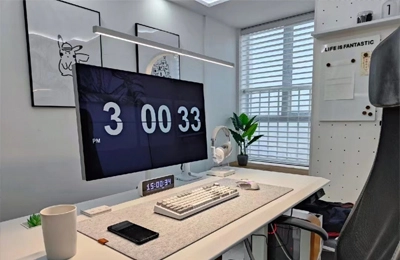
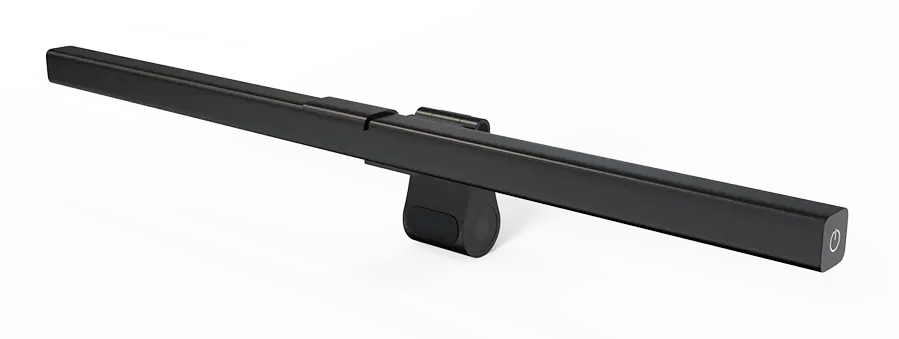
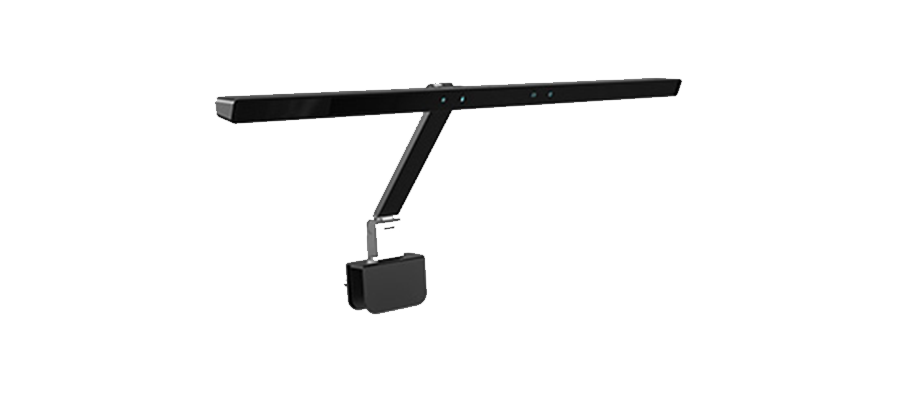
An ultrawide monitor light bar is designed to solve this problem by attaching directly to the monitor and directing light downward toward the keyboard and desktop area.
The right lighting solution can help:
Improve visibility around the keyboard and workspace
Create more balanced brightness
Reduce distracting reflections
Keep the desk cleaner and more organized
What Makes the Best Monitor Light Bar for Ultrawide Monitors?
Not every monitor light bar is suitable for large displays. When choosing a light bar for an ultrawide monitor, several factors should be considered.
The first factor is lighting coverage. Since ultrawide monitors have a larger horizontal area, the light source should provide enough illumination to cover the entire working area. A light bar designed for smaller monitors may leave parts of the desk unevenly lit.
Compatibility is also important. Ultrawide monitors come in different designs, including curved displays and ultra-thin screens. A good monitor light bar should have a stable mounting system that works with different monitor thicknesses without affecting screen movement.
Adjustable brightness and color temperature are also valuable features. Cooler lighting can support focused daytime work, while warmer lighting can create a more comfortable environment for evening use.
Another important advantage of a quality light bar is reflection control. By directing light downward instead of toward the display, it can help reduce unwanted glare on the screen.
Monitor Light Bar vs Ultra Wide LED Desk Lamp
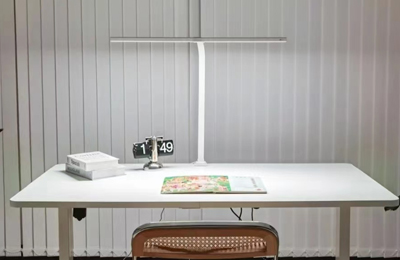
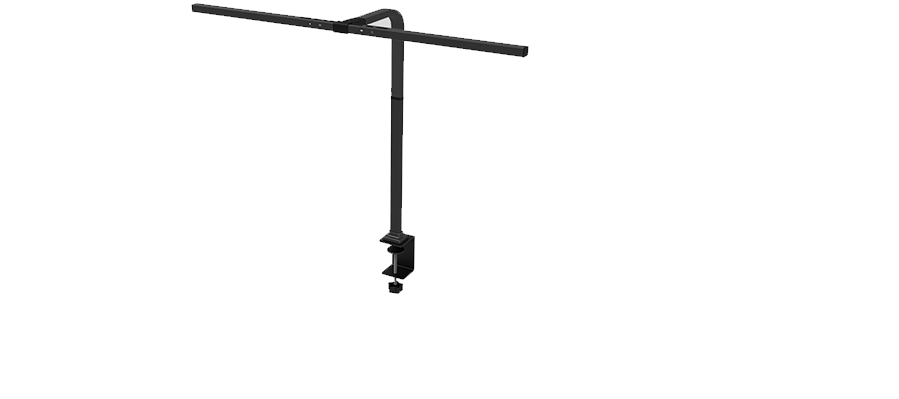
When choosing lighting for a large monitor setup, many users compare a monitor light bar with an ultra wide LED desk lamp.
Both solutions can improve workspace lighting, but they are designed for different purposes.
| Feature | Monitor Light Bar | Ultra Wide LED Desk Lamp |
|---|
| Installation | Mounted on monitor | Placed on desk |
| Desk Space | Saves space | Requires surface space |
| Lighting Direction | Focused downward | Wider illumination |
| Screen Reflection Control | Better optimized | Depends on placement |
| Best Usage | Computer-focused work | Multi-purpose activities |
A monitor light bar is usually the better choice for users who mainly perform digital tasks such as gaming, programming, office work, and design. It keeps the desk area open and provides lighting specifically designed around the monitor.
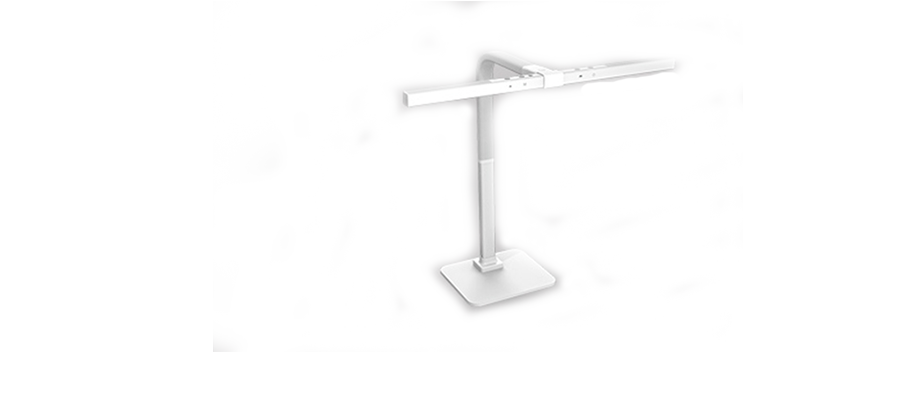
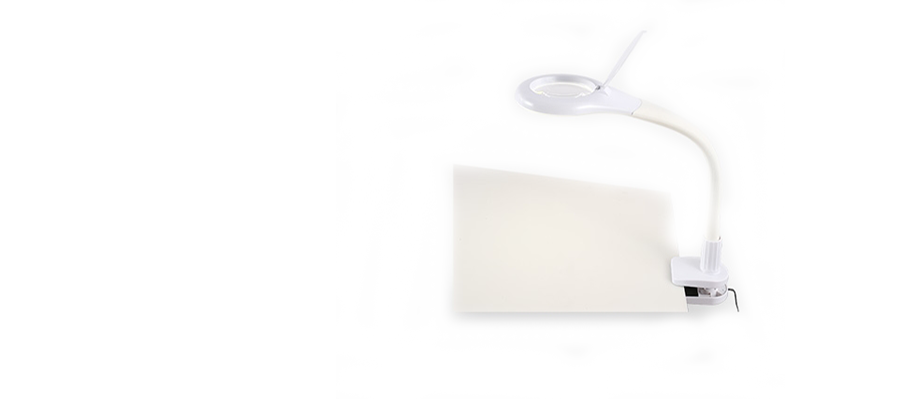
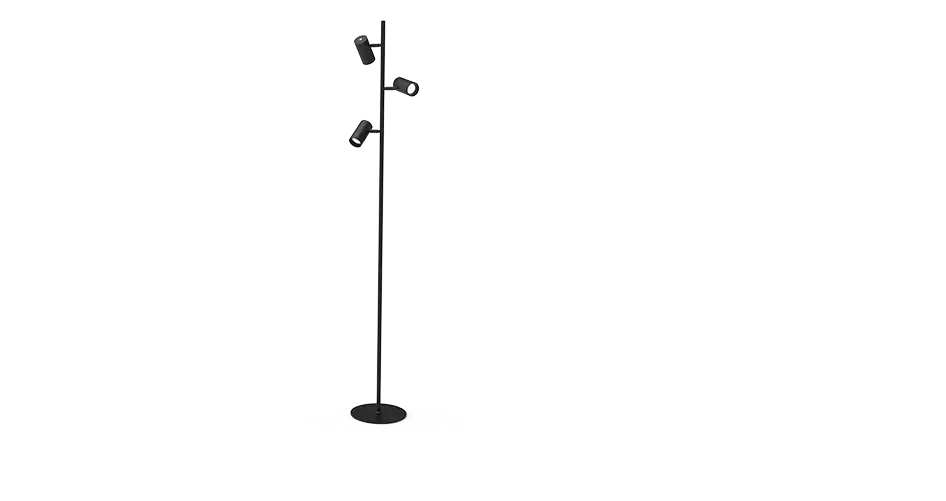
An ultrawide desk lamp may be more suitable for users who need broader lighting for reading, writing, drawing, or other physical activities.
Benefits of Using a Monitor Light Bar for Ultrawide Gaming and Workstations
Ultrawide monitors are widely used in gaming setups and professional workstations because they provide an immersive and efficient viewing experience.
A compatible ultrawide monitor light bar can improve these setups by providing focused lighting without taking up additional desk space.
For gamers, the benefits include a cleaner gaming environment, better visibility around the keyboard and controls, and adjustable lighting for different gaming conditions.
For professionals and remote workers, a monitor light bar can become an effective home office LED light solution by providing focused illumination around the computer area while maintaining a clean desk setup. It is commonly used in setups for:
Programming
Graphic design
Video editing
Online meetings
Office work
Compared with traditional lamps, a monitor-mounted lighting solution fits better into modern minimalist desks where space is limited.
How to Choose the Right Monitor Light Bar for an Ultrawide Monitor
Before purchasing a monitor light bar, consider your monitor design, workspace needs, and daily activities.
First, check compatibility with your display size and shape. Curved ultrawide monitors may require a mounting design that can securely attach to curved screens.
Next, consider lighting adjustment features. A product with adjustable brightness and color temperature provides more flexibility for different tasks and environments.
Light quality is also important. A good light bar should provide even illumination without creating harsh shadows or strong reflections.
Finally, consider your workspace style. If you prefer a clean and organized desk setup, a monitor-mounted solution can save space while maintaining a modern appearance.
Frequently Asked Questions About Ultrawide Monitor Light Bars
Can a monitor light bar work with an ultrawide monitor?
Yes. Many monitor light bars can work with ultrawide monitors, but users should check compatibility with monitor thickness, screen design, and mounting requirements before purchasing.
Are monitor light bars suitable for curved ultrawide monitors?
Many models support curved displays, but compatibility depends on the mounting structure. Users should confirm whether the light bar can remain stable on their specific monitor.
Is a monitor light bar better than an ultra wide LED desk lamp?
For users who mainly work on computers, a monitor light bar is often a better choice because it saves desk space and provides targeted lighting. An ultra wide LED desk lamp may be more suitable for general workspace activities.
Do ultrawide monitors need special lighting?
Because ultrawide monitors have larger screen areas, standard lighting may not provide even coverage. A properly designed monitor light bar can help create a more balanced workspace.
Final Thoughts: Choosing the Best Monitor Light Bar for Ultrawide Monitors
The best monitor light bar for ultrawide monitors depends on your monitor size, workspace design, and how you use your computer.
For gamers, professionals, and users who spend long hours in front of large displays, an ultrawide monitor light bar provides targeted lighting, better desk organization, and improved workspace comfort.
While an ultra wide LED desk lamp or ultrawide desk lamp can be useful for general tasks, a monitor-mounted lighting solution is usually the better choice for computer-focused environments.
By considering compatibility, lighting coverage, brightness adjustment, and installation design, users can choose a lighting solution that creates a more comfortable and efficient ultrawide monitor setup.